What Is Webflow? A Designer’s Guide to the Platform
If you’ve read my article “Why I Build My Clients’ Websites on Webflow,” you already know that Webflow has become my go-to platform for professional, modern, design-driven websites. But if you're new to Webflow or still wondering what makes it so different from WordPress or other builders, here’s the clearest explanation possible.
This article breaks down what Webflow actually is and why so many designers (myself included) choose it not just as a tool, but as a creative environment.
So… What Is Webflow?
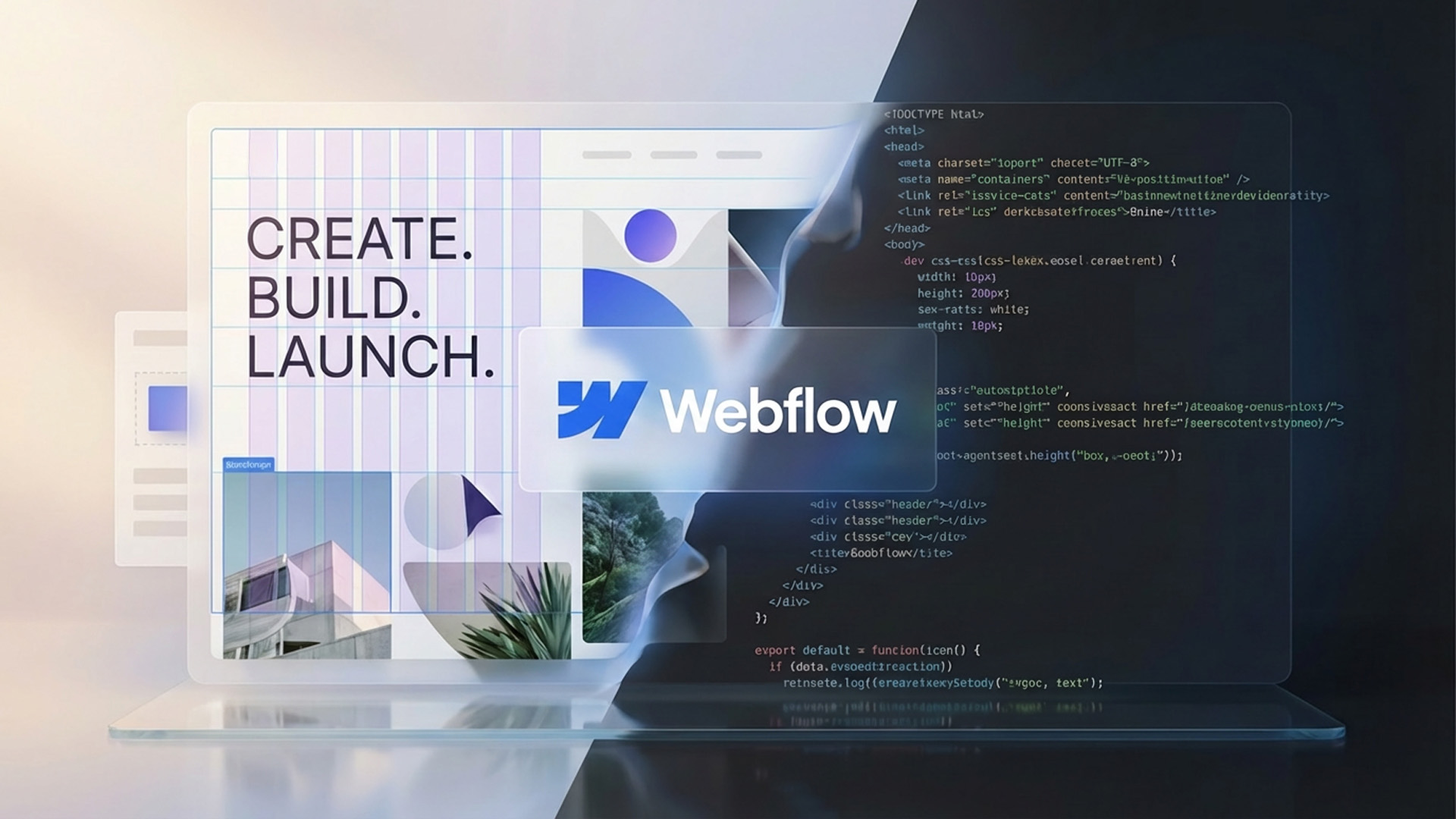
Webflow is a visual web design and development platform that lets designers and business owners build fully custom websites without writing code. It’s intuitive, creative, and powerful.
It sits in a unique place in the web design world:
- More flexible than drag-and-drop builders like Wix
- Less technical than writing code from scratch
- Cleaner and more reliable than plugin-heavy WordPress setups. If you’d like a deeper breakdown of how the two platforms compare in real-world use, I also wrote a detailed article on Webflow vs WordPress and why I personally switched.
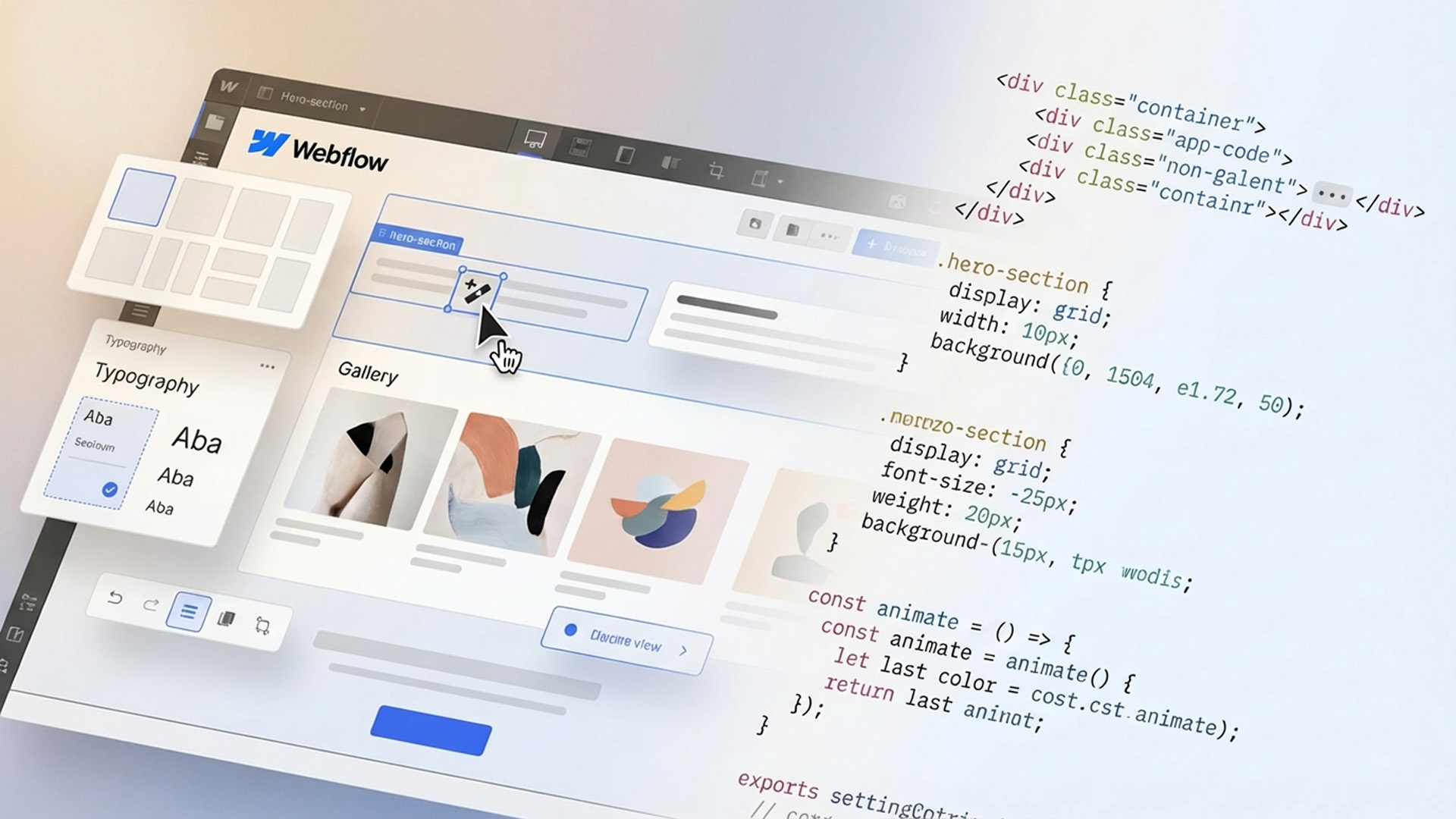
The magic of Webflow is simple: you design visually, and Webflow automatically writes clean HTML, CSS, and JavaScript behind the scenes. No code required unless you want to add some.
How Webflow Works (Without the Tech Confusion)
1. Visual CSS
Every style you apply - font, spacing, layout, color - is real CSS.
Webflow simply makes it visual.
2. Real HTML Structure
You’re building the actual structure of the site:
containers, divs, flexbox, grid, sections.
No bloated page-builders.
No guessing.
3. Built-in Hosting
Perfect for:
- blogs
- case studies
- portfolios
- property listings
- restaurants
- travel brands
- wellness brands (like many of my clients)
The CMS lets clients update content without breaking the design - a lifesaver.
Why Designers Love Webflow
If you’ve read my other article, you know I mentioned that Webflow isn’t a drag-and-drop toy - it’s visual CSS. And that’s exactly why designers love it.
Creative Freedom
You’re not stuck in templates.
You design layouts exactly as you imagine them.
Cleaner, Faster Websites
Because everything is structured intentionally, Webflow sites are:
- fast
- lightweight
- responsive
- professional
- visually consistent
No Plugin Chaos
Scroll animations, interactions, SEO settings, forms - all built in.
No plugin updates. No breakage.
Beautiful Interactions
With Webflow Interactions you can create:
- parallax
- fades
- scroll reveals
- micro-animations
- Lottie sequences
This is where your site begins to feel alive - something I emphasize in all my Webflow work.
Who Webflow Is Best For (And Who Should Avoid It)
Webflow is an excellent choice for:
- Designers who want full creative control without coding
- Small to medium businesses that need polished branding and strong visual presence
- Restaurants, wellness brands, studios, and boutiques
- Startups that want to launch fast and scale over time
- Creators and personal brands who need an easy-to-manage CMS
In my work with clients, Webflow consistently hits the sweet spot between power and practicality.
When Webflow Might Not Be the Right Fit
Even though Webflow is incredibly powerful, it’s not the perfect solution for every project. Webflow might not be the best fit if:
- You need a very large, complex backend system with heavy custom functionality
- Your project depends on highly specialized third-party plugins that only exist for WordPress
- You’re running a massive content site with hundreds of authors and advanced publishing workflows
- You’re looking for the absolute cheapest possible solution with no concern for custom design or performance
- You prefer a fully open-source system where you control every server-level detail
In these cases, platforms like WordPress (with custom development) or enterprise CMS solutions may make more sense.
That said - for most small businesses, personal brands, studios, restaurants, wellness brands, portfolios, and startups, Webflow still delivers the ideal balance between design freedom, performance, scalability and ease of maintenance.
Pricing & Plans: Is Webflow Free?
Yes! Webflow does have a free plan, and that’s how many people (myself included) get started. But it’s mainly meant for learning and testing. Your site stays on a webflow.io domain and comes with a few feature limits, so it’s perfect for demos - not for launching a real business site.
But what often confuses people at the beginning is that Webflow actually has two different types of plans. One is for hosting individual websites (Site Plans), and one is for your account as a designer (Workspace Plans).
1. Site Plans - for each individual website
A Site Plan is what makes a website live on a custom domain (like .com) and includes:
- hosting
- bandwidth & traffic
- CMS features (for blogs & dynamic content)
- form submissions
- e-commerce (if needed)
If your site stays on a free webflow.io domain, you don’t need a Site Plan yet.
As soon as you want a real business website on a custom domain, you’ll need one.
Exact prices change from time to time, so for the most accurate and up-to-date numbers, it’s best to check Webflow’s official Site Plans pricing page.
2. Workspace Plans - for your account as a designer
This is your account-level plan - how you manage projects, clients, and collaboration.
Webflow offers a free Workspace plan, which is perfect for:
- learning Webflow
- building test projects
- experimenting with layouts and interactions
From personal experience: if you’re serious about web design and start working on real client projects, you’ll very quickly hit the limits of the free Workspace and feel the need to upgrade. Paid Workspaces unlock smoother workflows, professional site transfers, and better project management.
Again, exact pricing is best viewed on Webflow’s official Workspace Plans page.
So… Is Webflow Really Free?
Yes - you can:
- open an account for free
- build projects for free
- publish them on a free webflow.io domain
But for:
- custom domains
- real client websites
- CMS content
- professional launches
- freelance or agency workflows
…you’ll almost always need a paid Site Plan, and eventually a paid Workspace Plan as well.
Is Webflow Worth It for Business Websites?
In short - yes, if you care about design quality, performance, and long-term flexibility.
Webflow is especially worth it if you:
- want a fully custom, non-template website
- care about clean structure, responsiveness, and SEO
- don’t want to deal with plugins, updates, or security patches
- plan to grow your site over time
- work with a designer or are one yourself
It might be more expensive than basic DIY builders at first, but what you get in return is professional-level control, reliability, and design freedom. And from personal experience - once you start building serious projects on Webflow, it’s hard to go back.
For learning? The free plan is perfect.
For real business? It’s absolutely worth the investment.
Frequently Asked Questions About Webflow
Is Webflow good for beginners?
Yes. Webflow is beginner-friendly in the sense that you can design visually without writing code. However, it does have a learning curve, especially because it teaches you real web structure (HTML & CSS concepts) in a visual way. Beginners who take the time to learn it properly often gain much stronger design and layout skills than with simple drag-and-drop builders.
Is Webflow good for SEO?
Yes. Webflow is excellent for SEO. It allows full control over:
- meta titles & descriptions
- alt text for images
- clean, semantic HTML
- fast loading speed
- mobile responsiveness
- redirects and indexing settings
All of these are critical ranking factors in Google and other search engines.
Is Webflow better than WordPress?
Webflow and WordPress serve different needs.
Webflow is better for:
- design-driven websites
- branding-focused businesses
- portfolios, studios, landing pages, and small businesses
WordPress may be better for:
- very large content sites
- complex plugin-based functionality
- highly customized backend systems
For most small to medium business websites, Webflow offers a cleaner, faster, and lower-maintenance solution.
Can clients edit their own Webflow website?
Yes. Webflow includes a very user-friendly Editor that allows clients to:
- update text
- swap images
- edit blog posts
- manage CMS content
All without breaking the site’s design or structure.
Is Webflow good for e-commerce?
Webflow works well for small to mid-size online stores that prioritize design and branding. It includes built-in e-commerce features, but if you need:
- large inventory systems
- advanced shipping logic
- heavy marketplace integrations
a dedicated platform like Shopify may be a better fit.
Is Webflow worth the cost?
For professional websites - yes.
Webflow replaces:
- paid hosting
- multiple plugins
- security tools
- page builders
with a single, all-in-one platform that delivers:
- faster performance
- stronger design control
- lower maintenance
- better long-term scalability
For learning, the free plan is perfect.
For real business, it’s a smart investment.
Final Thoughts: Is Webflow the Right Platform for You?
Webflow is a powerful, design-first platform that gives you creative freedom, clean structure, and strong performance - all in one place.
If you’re building a personal brand, small business website, portfolio, studio, restaurant, wellness brand, or content-driven site, Webflow is one of the best platforms you can choose today.
It’s not the cheapest option, and it’s not built for every extreme use case, but for modern, design-driven business websites, it offers an exceptional balance of control, reliability, and flexibility.
For learning? The free plan is perfect.
For real business? Webflow is absolutely worth the investment.
Disclaimer: This article reflects my personal experience and opinion as a designer. I am not affiliated with Webflow, and this content is not sponsored.